The 10-Second Test
Picture this. Someone is hungry, standing on the street, phone in hand. They search your restaurant's name and tap your website.
You have about ten seconds. In those ten seconds, they want to know four things: what you serve, whether you are open, where you are, and how to book or order.
If they cannot find those answers fast, they do not wait. They tap back and pick the next restaurant on the list.
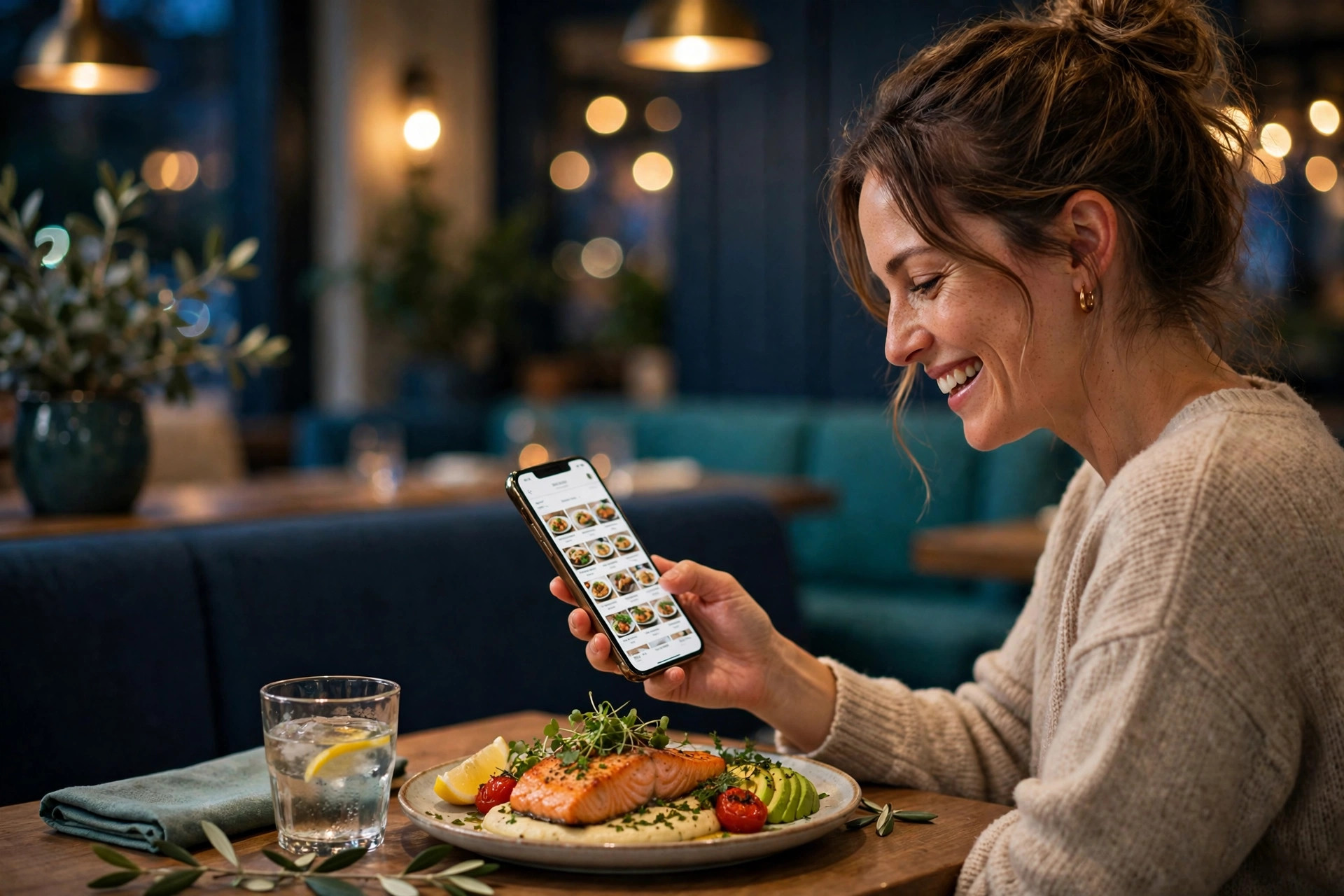
That is the whole job of a restaurant website: not to win a design award, but to turn a hungry searcher into a seated customer.
1. A Menu People Can Actually Read on a Phone
Your menu is the most-visited page on a restaurant website — and the most commonly ruined one.
Most visitors arrive on a phone. A scanned photo of a paper menu, or a PDF that needs pinching and zooming, is hard to read and easy to abandon. Worse, Google cannot read a photo of a menu either, so none of your dishes show up in search.
Put your menu on the page as real text: dish names, short descriptions, and prices. Add dietary notes — vegetarian, halal, gluten-free — because that is exactly what people search for.
Make your menu real text on the page, not a photo or a PDF. Text loads fast, reads well on a phone, and lets Google find every dish you serve.
2. Hours, Location and Phone — Always Current
After the menu, the next three things people look for are your opening hours, your address, and your phone number.
Keep them at the top of the page, not buried in a tiny footer. And keep them current. Nothing loses trust faster than a guest arriving to locked doors because the hours on your website were from last year.
A map link that opens directions in one tap is a small detail that fills tables. A tap-to-call phone number does the same for large groups and takeaway orders.
Check your hours, address and phone number on your website every month — and every time they change. One wrong detail can cost you a full table.
3. One Clear Button: Book a Table or Order Online
Every page on your website should have one obvious next step. For most restaurants, that is a "Book a Table" button or an "Order Online" button — whichever matters more to your business.
You do not need to build your own ordering or booking system. Link to the tools your customers already trust: a booking link, or your delivery profile. The button is what matters, not the machinery behind it.
4. Real Photos of Your Food and Your Room
People eat with their eyes first, and they decide with photos. Real photos of your actual dishes and your actual dining room tell a guest what kind of evening to expect before they commit.
Stock photos do the opposite. Guests can tell, and a generic burger photo says nothing about your kitchen. Ten honest photos of your own food beat a hundred borrowed ones.
Use real photos of your own food and dining room — never stock photos. Guests trust what they can see, and they can spot a fake in a second.
5. Let Reviews and Google Work With Your Website
Before choosing a restaurant, most people check reviews. Your website and your Google Business Profile should work as a team: a complete profile with correct hours, real photos, a link to your menu page and your booking link.
Ask for the review on the day of the visit, while the meal is still fresh. A simple "enjoyed your meal? A quick Google review means a lot to us" is enough.
6. What to Leave Off Your Restaurant Website
A good restaurant website is also about what you remove:
- The long chef's story on the homepage: guests came for the menu, not a biography. Keep your story short and further down the page.
- Pop-ups that cover the screen: a guest who cannot see the menu will leave, not subscribe.
- A PDF-only menu: if the menu cannot be read as text, it cannot be found in search either.
- An auto-playing video or music: it slows the page and annoys people browsing in public.
Simple wins. Fast wins. Clear wins.
Your Restaurant Website Checklist
Before you publish or refresh your site, check these seven things:
- Menu as readable text, with prices, on the page
- Opening hours, correct and easy to find
- Address with a one-tap directions link
- Tap-to-call phone number
- One clear Book or Order button
- Real photos of your food and dining room
- A fast page that loads in under a few seconds on a phone
Get these right, and your website stops being a digital brochure and starts being your hardest-working member of staff — greeting every hungry searcher, answering their questions, and booking their table.
The test is simple: open your own website on your phone. If a stranger cannot find your menu, hours and booking button in ten seconds, fix that first.
Ready to Make Your Restaurant's Website Work Harder?
A restaurant website should fill tables, not just look pretty. At CRAFTLOGIC (https://craftlogic.live/), we build fast, mobile-first websites for restaurants and small businesses — with a readable menu, clear booking and ordering buttons, and everything a hungry customer needs in seconds.
Want to see what yours could look like first? We will design a free homepage concept for your restaurant — no cost, no obligation. If you love it, we build the full site. If not, you keep the idea.
Visit our contact page (https://craftlogic.live/#contact) and tell us about your restaurant. Your next full house could start with one click.